01
Find the Right Prompt
Filter the workbook by niche, platform, placement, dimensions, style, or campaign angle, then select the prompt that matches what you want to promote.
Choose the niche. Choose the platform. Copy the prompt. Let ChatGPT work from a detailed creative brief containing the dimensions, style, palette, hierarchy, audience, campaign angle, exact copy, safe-zone guidance, and elements to avoid.
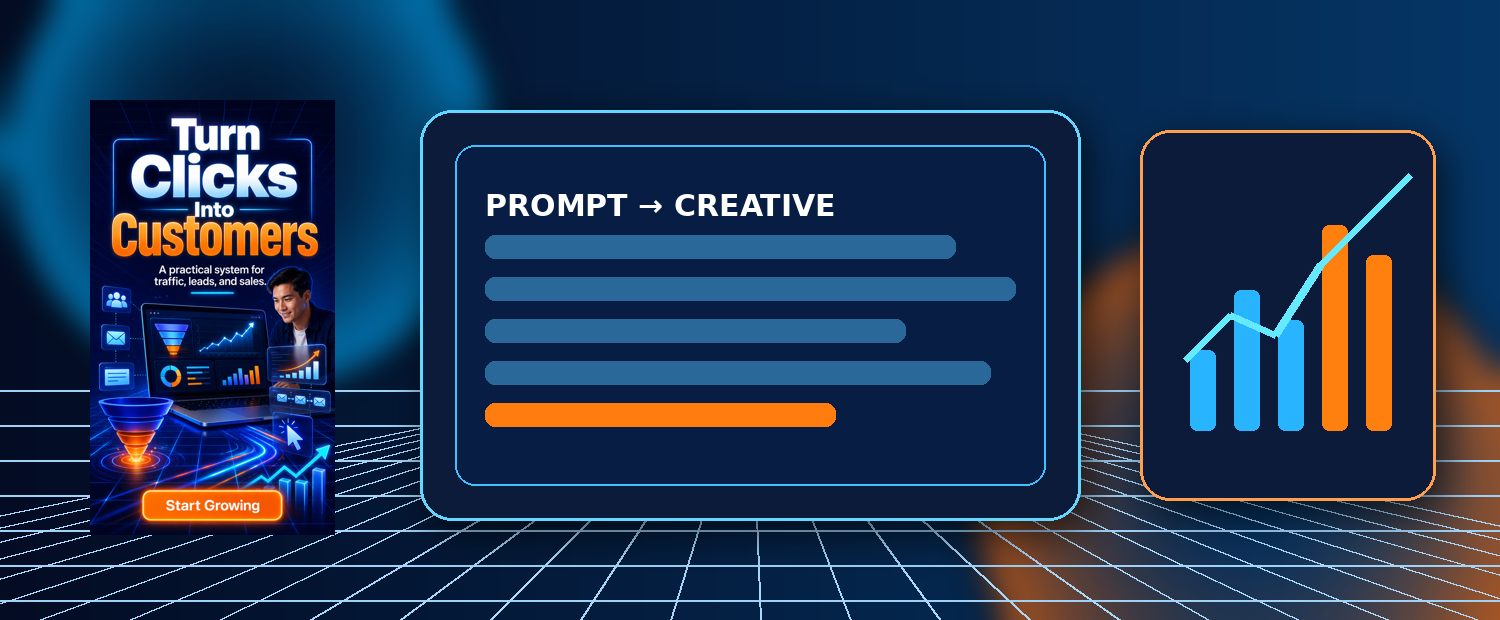


You may already have access to powerful image generation inside ChatGPT. Yet having the tool does not automatically mean that you know how to describe the advertisement you need.
You still have to decide which dimensions fit the placement, how much copy can remain legible, where the headline belongs, which colors match the niche, what visual elements support the message, and how to keep important content away from platform overlays.
A short request such as “Create an attractive social media ad for my product” leaves almost every meaningful creative decision unanswered. ChatGPT may produce something visually interesting, but it may be the wrong shape, wrong audience, wrong tone, wrong hierarchy, or wrong placement.
That is why AdPrompt Foundry 1000 was built as a practical creative-direction library—not a random list of artistic ideas.
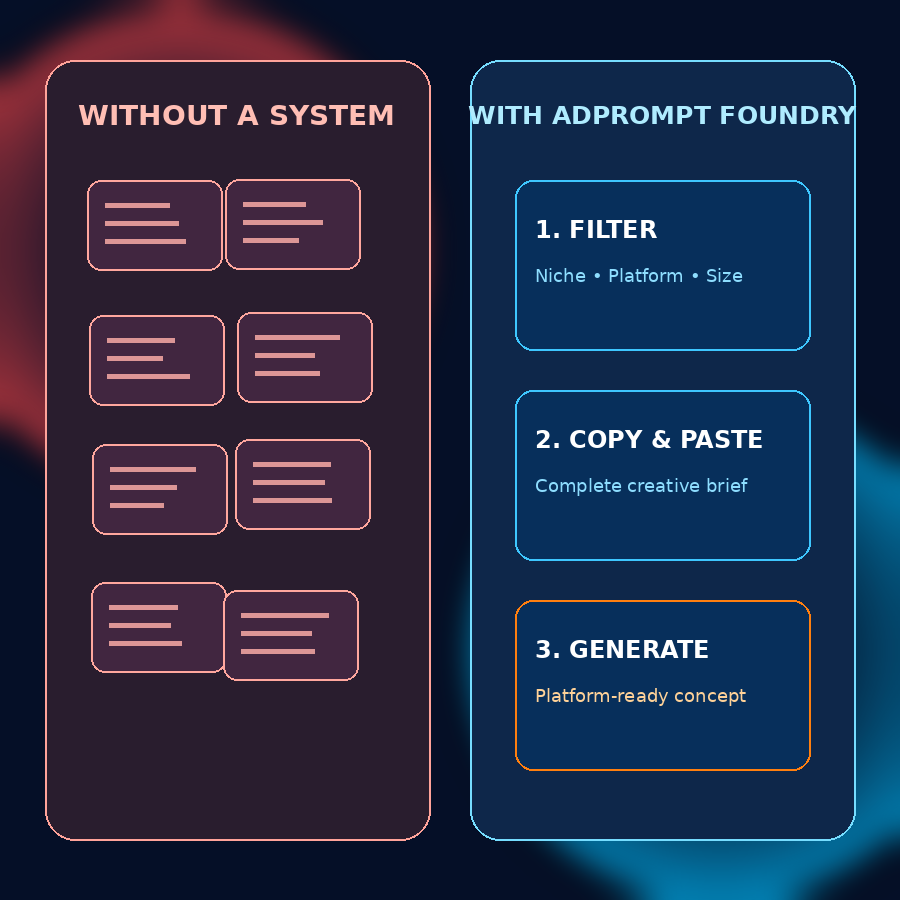
AI can save time, but only after it understands what you are trying to create. A vague brief transfers every unresolved decision into the generation process.
Each individual problem may seem small. Together they create a repetitive cycle: generate, inspect, rewrite, regenerate, correct, crop, and try again. Now multiply that process across Instagram, Facebook, TikTok, Pinterest, LinkedIn, YouTube, Google Display, X, Threads, Reddit, email, and client campaigns.
You may begin thinking the image model is unreliable when the deeper issue is that it has never received a sufficiently structured brief. AdPrompt Foundry does not promise that artificial intelligence will never misspell a word or interpret a detail differently. It does something more realistic and useful: it gives the model a far stronger starting point and gives you a clear structure for focused revisions.
A filterable creative library that turns your campaign idea into a detailed ChatGPT image-generation brief.
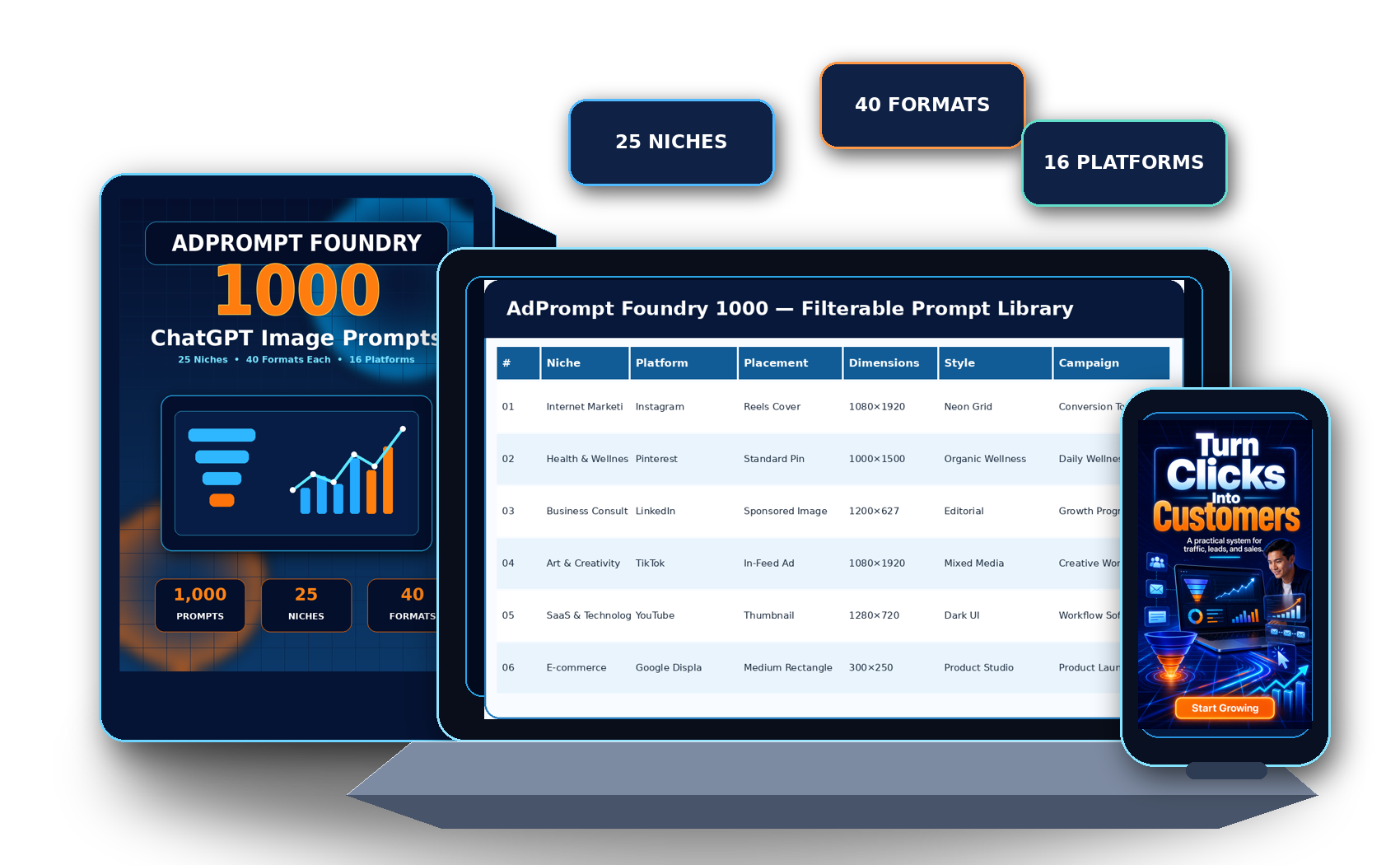
Every prompt acts like a compact creative brief. It identifies the intended platform, placement, dimensions, aspect ratio, orientation, niche, audience, product angle, visual style, palette, relevant imagery, headline, supporting line, CTA, visual hierarchy, safe-zone requirement, and negative constraints.
Instead of trying to become a prompt engineer, advertising designer, platform-size specialist, copywriter, and creative director all at once, you begin with an organized foundation that can be used as written or customized for a specific product.
The product is supplied as a practical Excel workbook, so the library can be filtered by the information that matters to your current campaign.
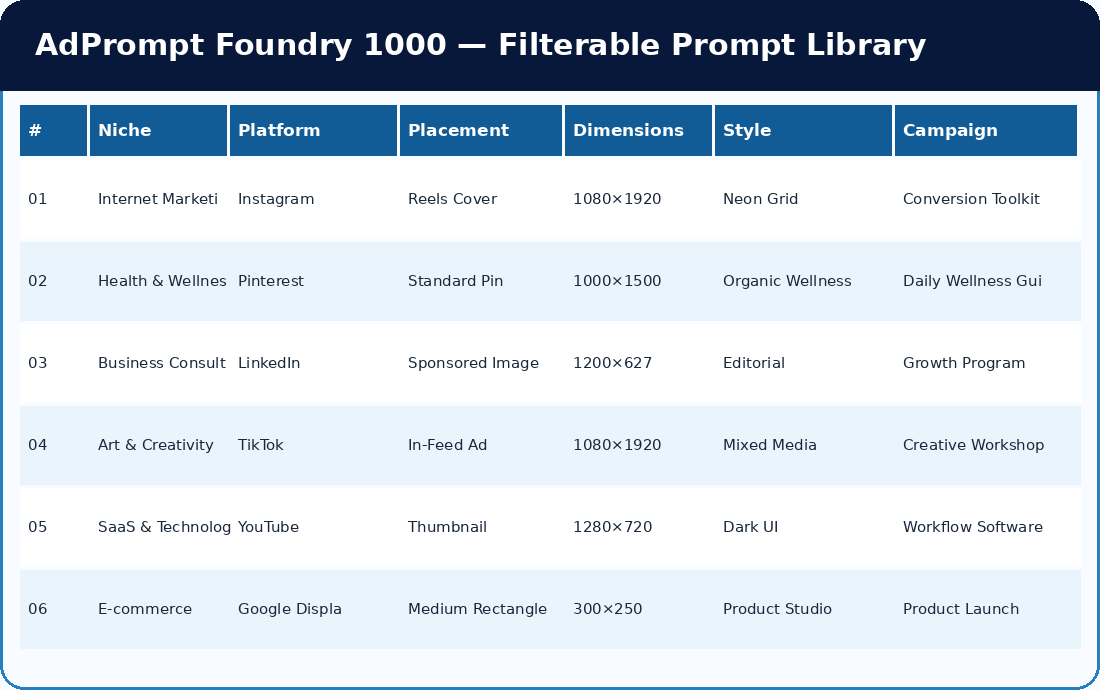
You can filter for Instagram + Internet Marketing + Reels Cover, search for every 1200 × 627 format, isolate all Google Display placements, or browse a niche’s five visual-style directions.
This request does not clarify the format, dimensions, audience, design direction, palette, exact copy, visual hierarchy, safe zone, or unwanted elements.
A stronger prompt cannot guarantee a perfect first generation—but it can eliminate many of the unanswered questions that repeatedly produce unusable results.
The collection does not force every industry into one repetitive AI aesthetic. Visual style, palette, imagery, and text density change with the niche and placement.
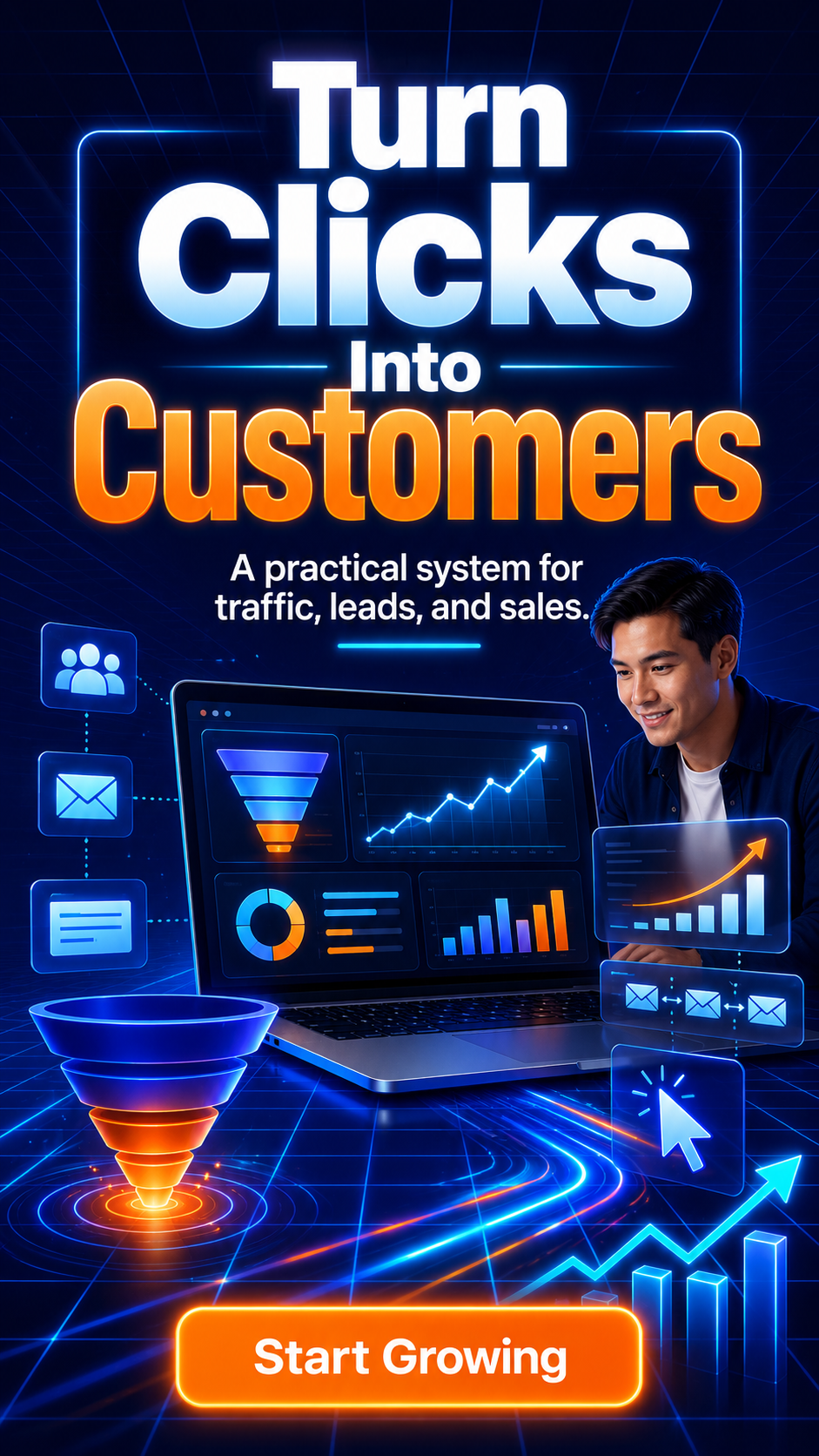
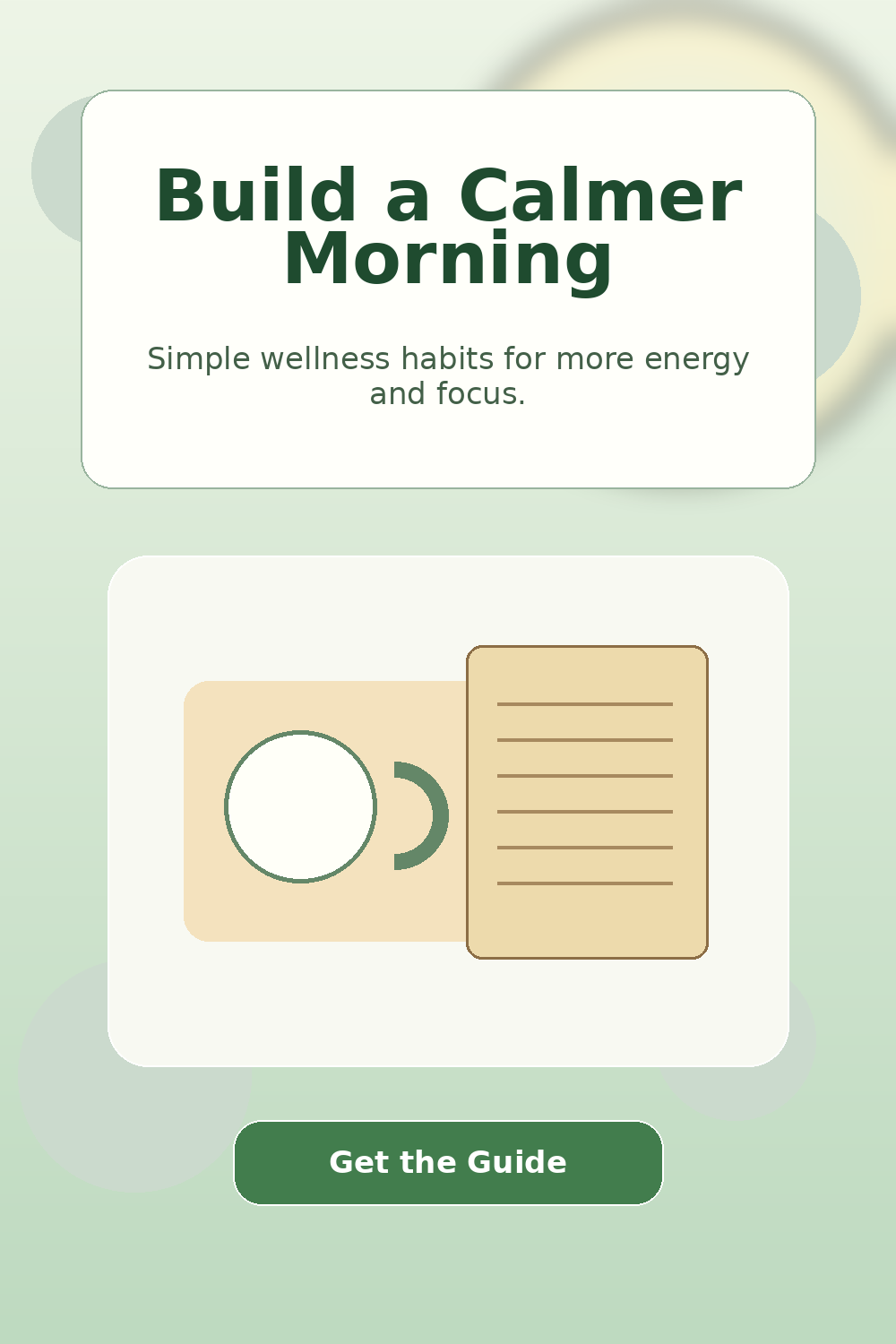
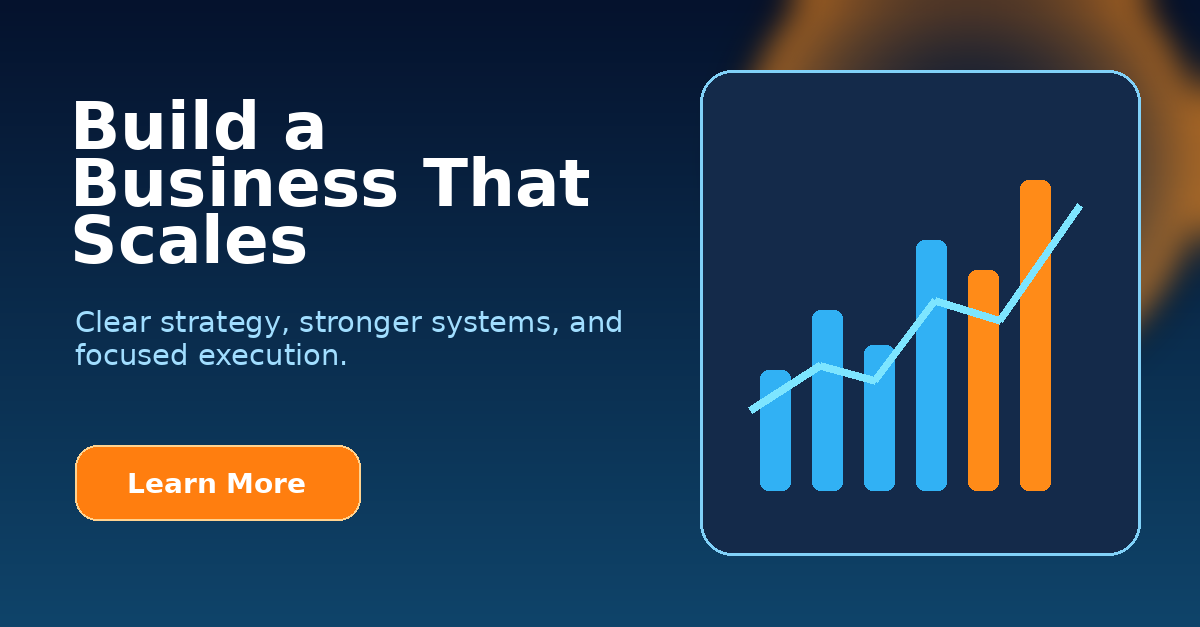
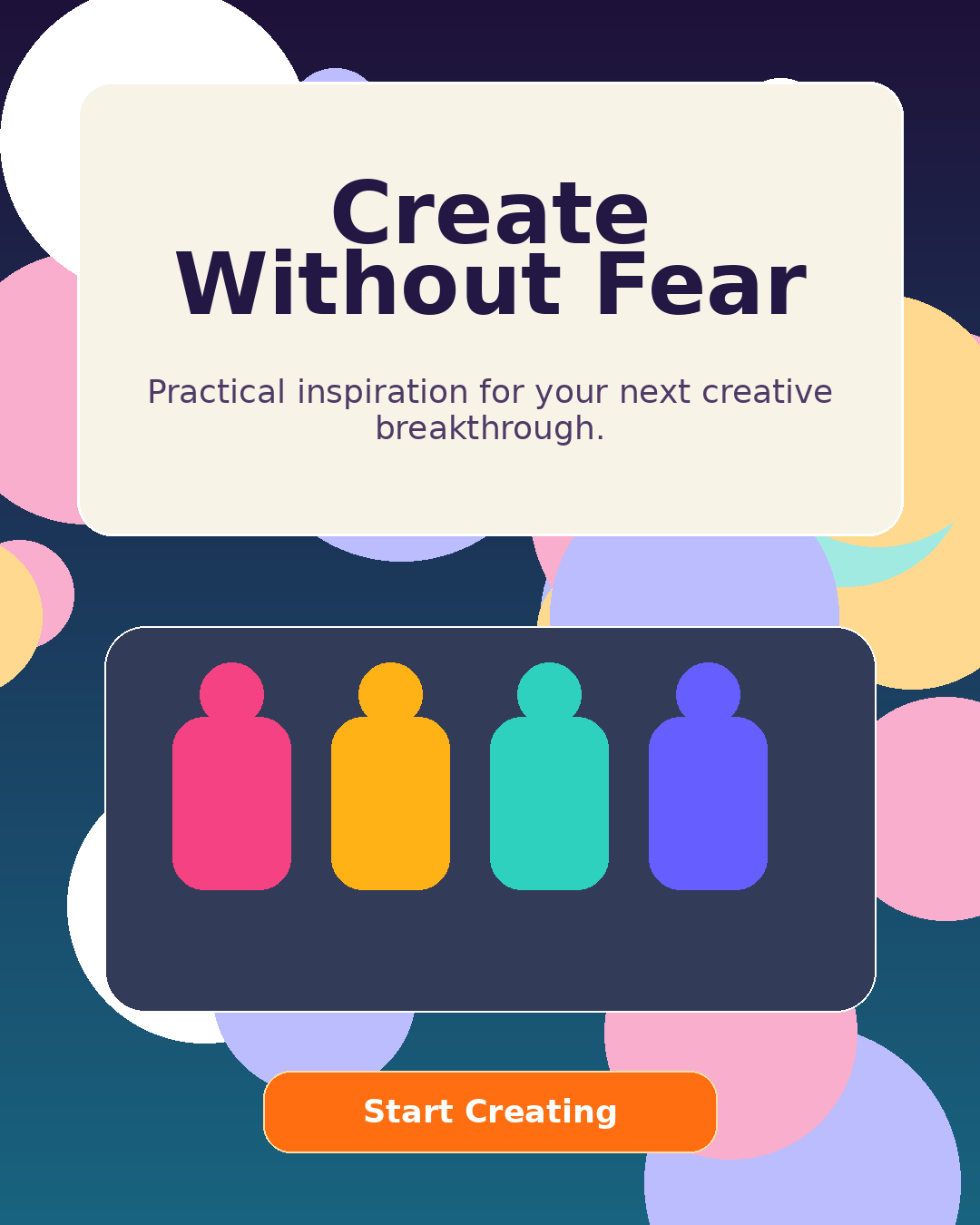
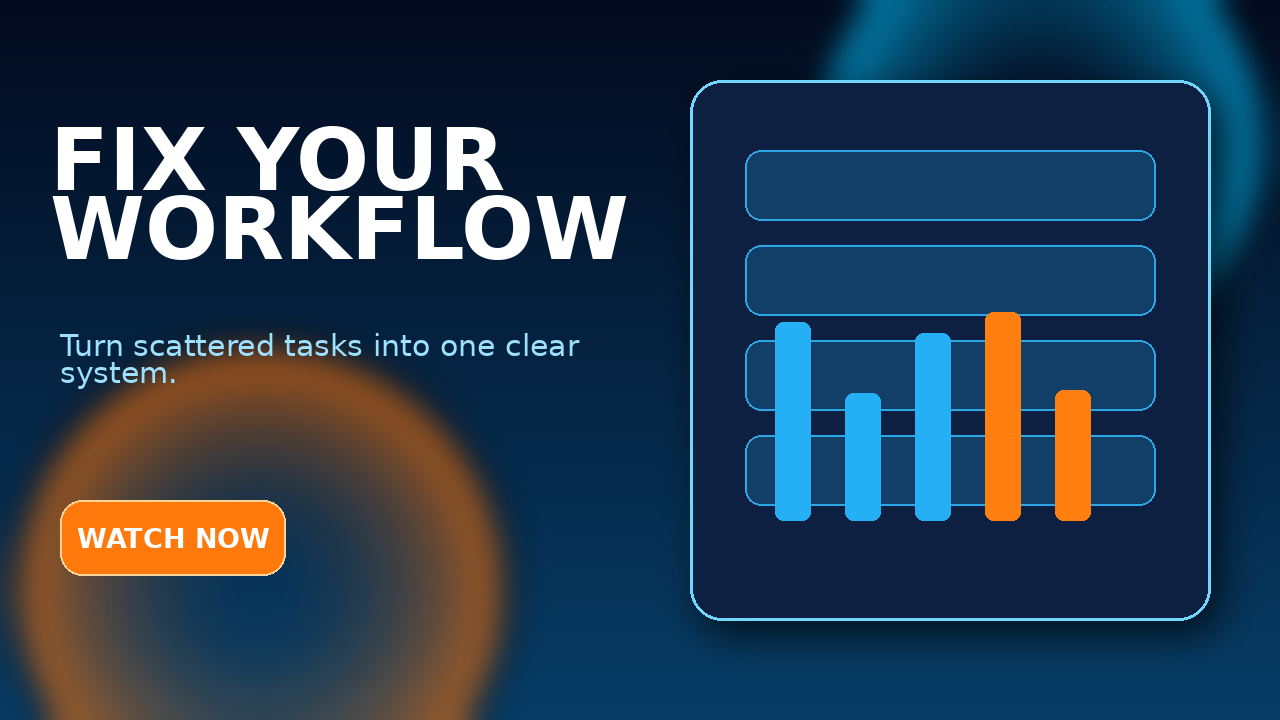
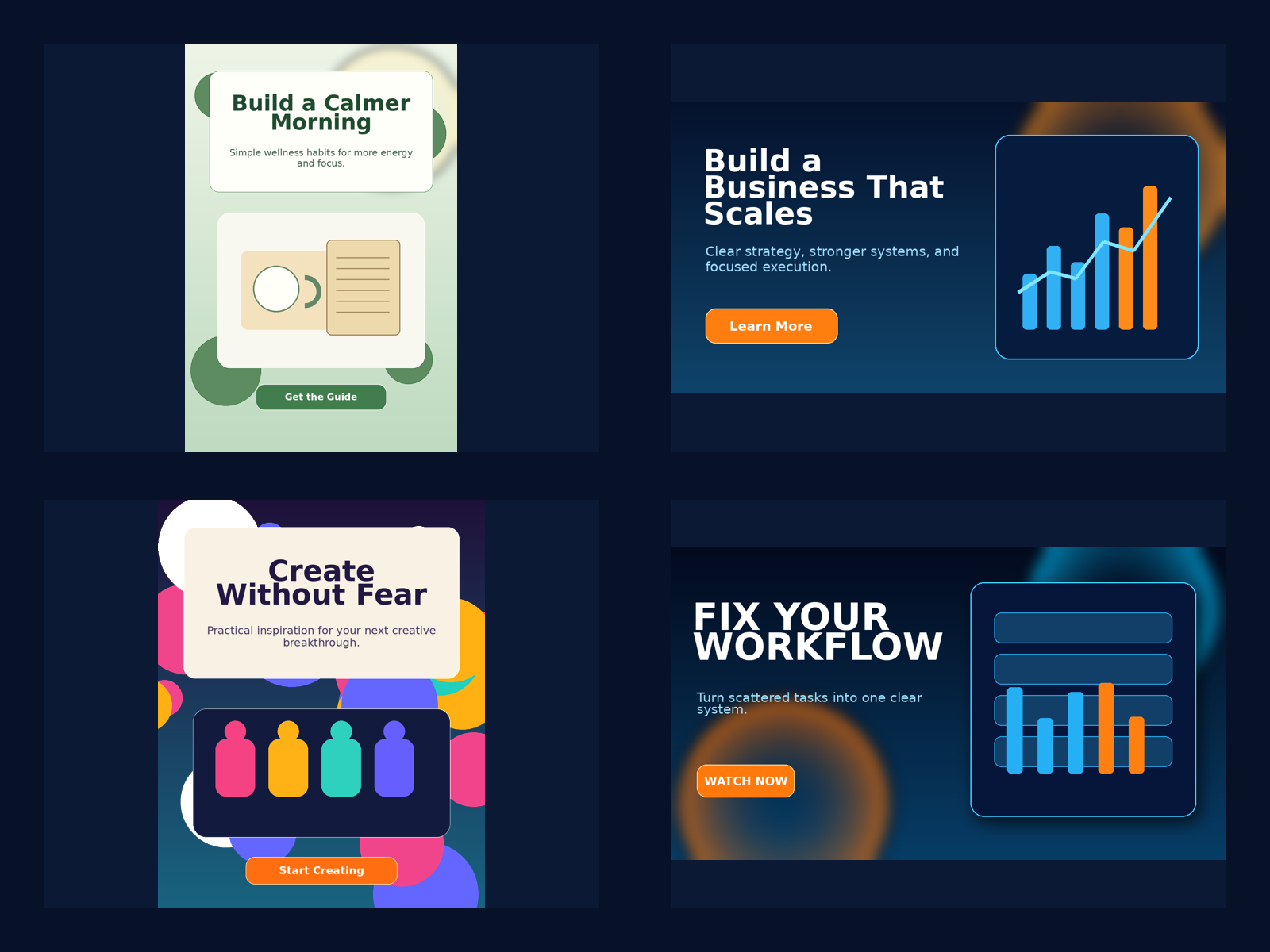
Examples illustrate the intended creative direction. AI-generated results naturally vary and may occasionally require regeneration or typography correction.
To make this even more convincing, this section now highlights five additional visuals generated from five actual prompts inside AdPrompt Foundry 1000. Each sample comes from the workbook itself—showing how one well-structured prompt can create a niche-appropriate promotional graphic in ChatGPT.
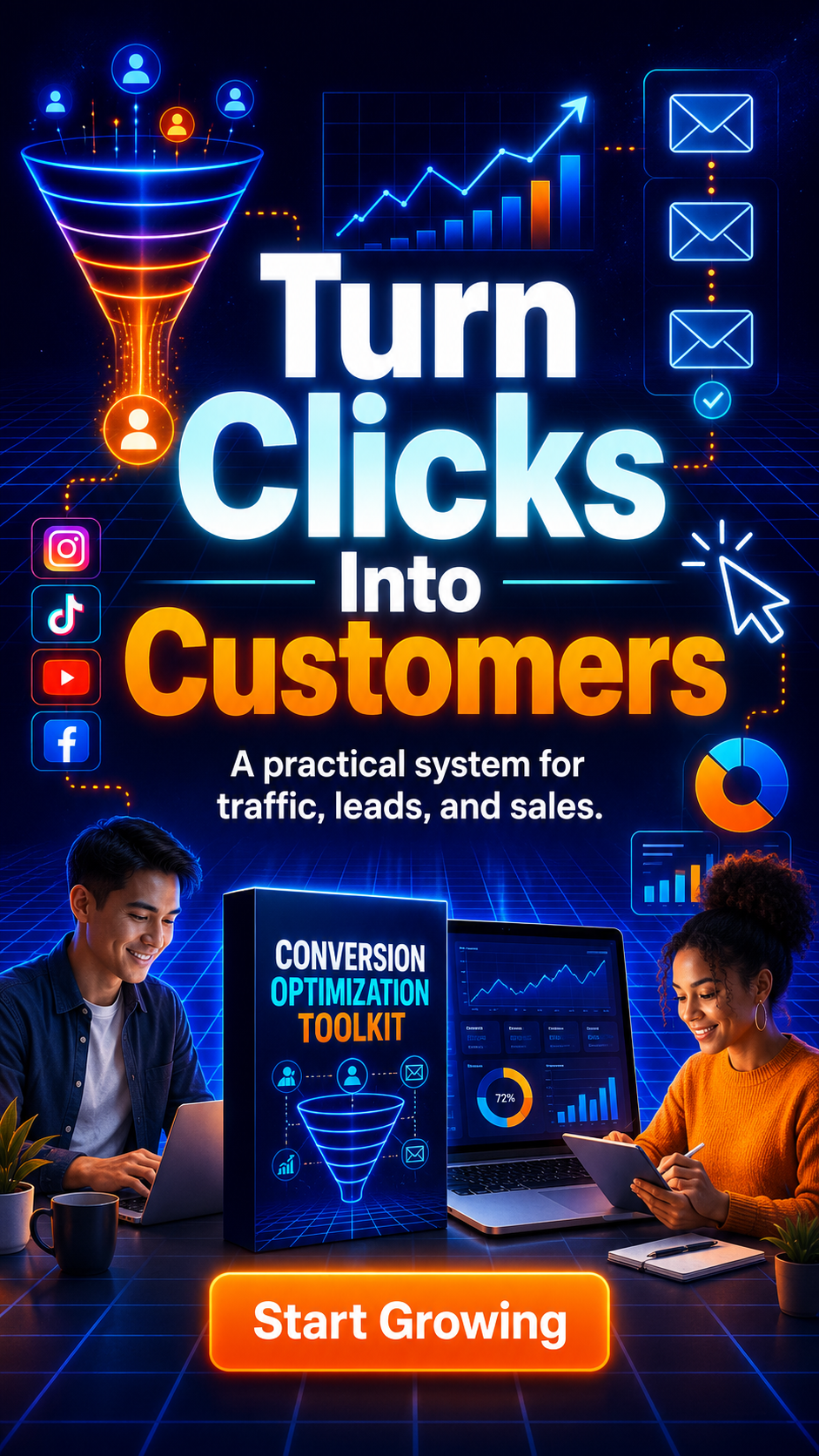
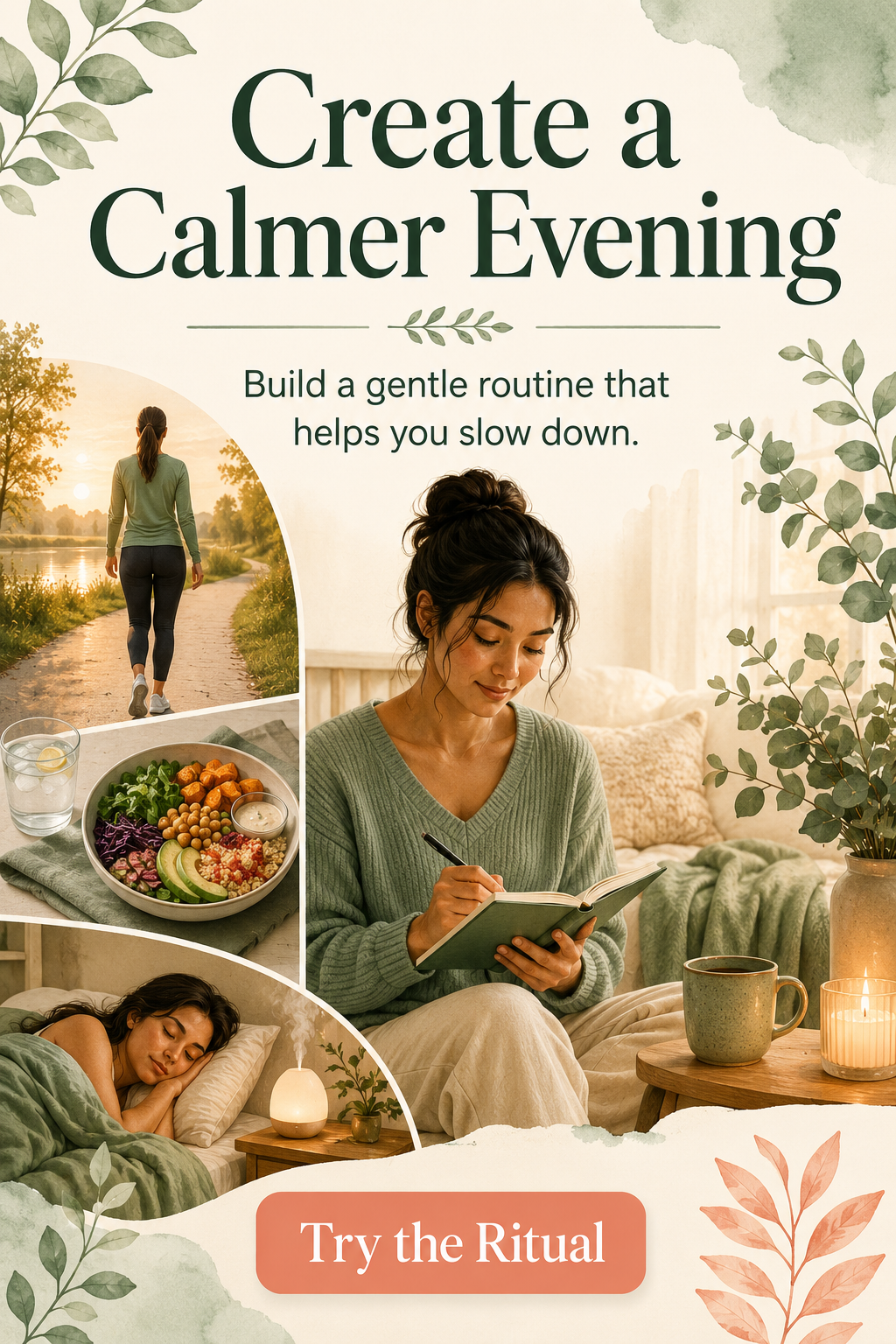

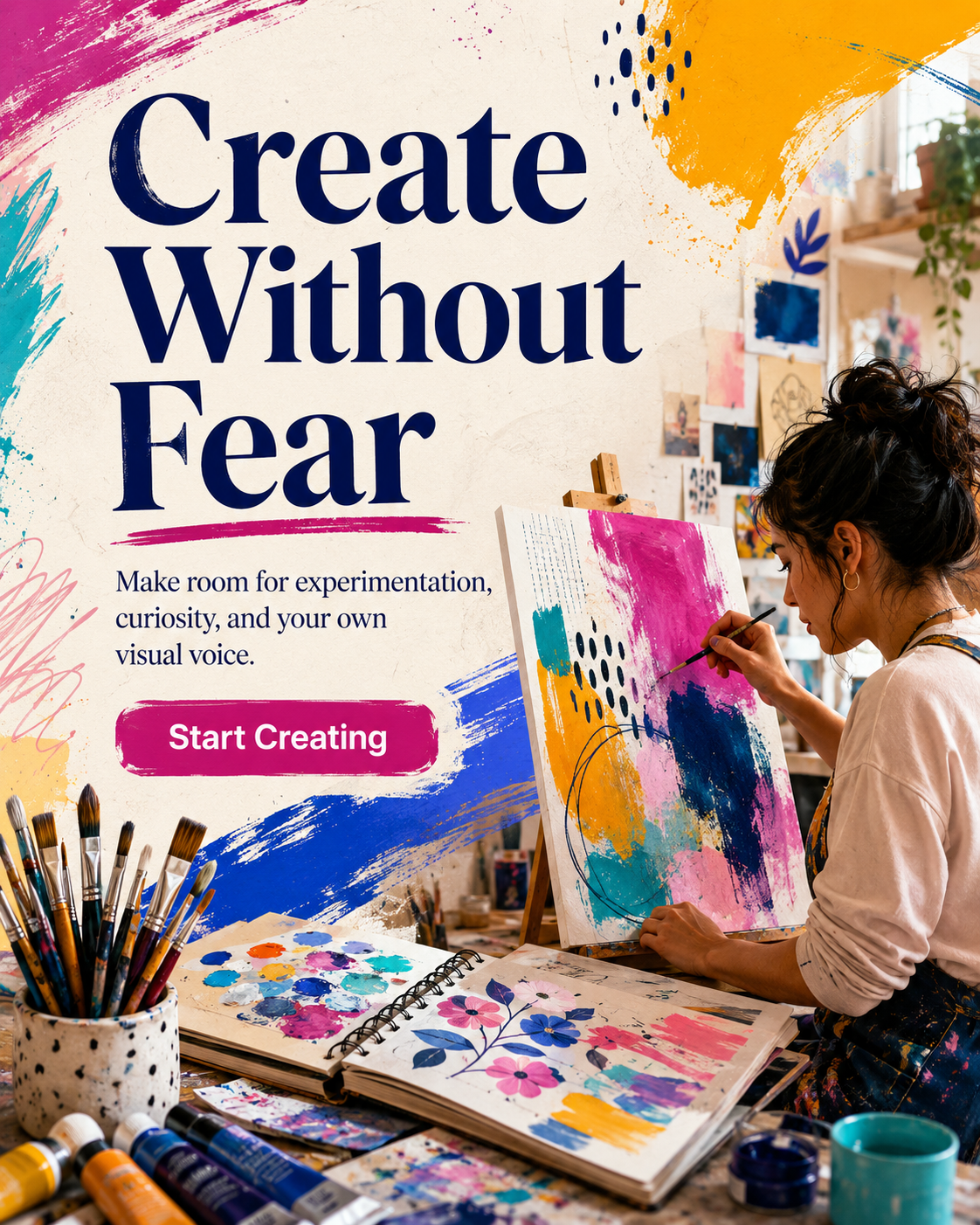
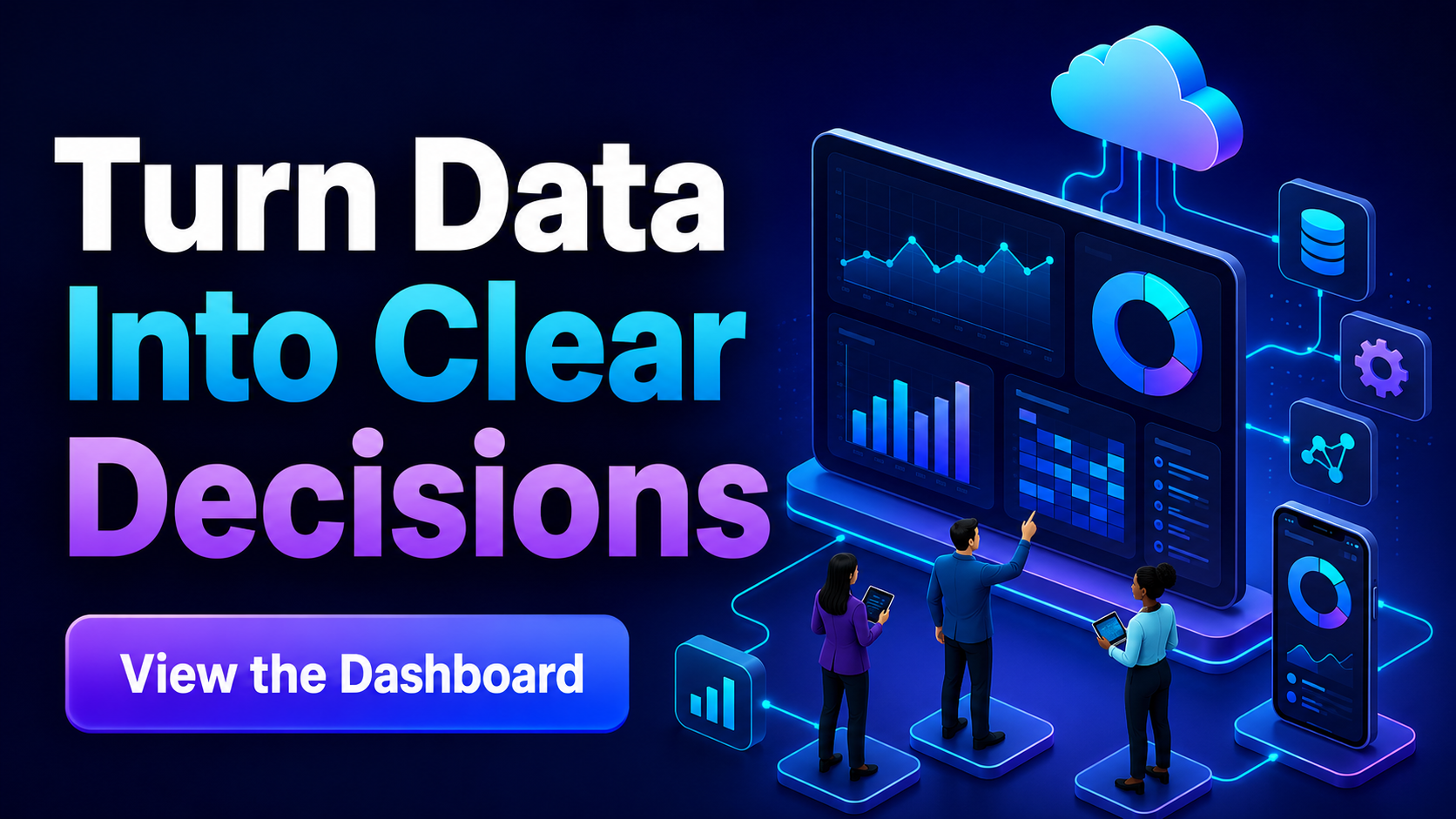
Why this matters: buyers are not just getting a spreadsheet of ideas—they are getting structured prompts capable of producing polished, niche-sensitive ad concepts across multiple platforms, styles, and dimensions.
These showcase images were generated from five real workbook prompts. As with all AI image generation, results can vary, and occasional regeneration or text correction may still be needed.
No complicated setup and no design brief to build from scratch. Open the workbook, choose the prompt that fits your campaign, and let ChatGPT turn the structured direction into a finished visual concept.
Filter the workbook by niche, platform, placement, dimensions, style, or campaign angle, then select the prompt that matches what you want to promote.
Keep the prompt as written or replace the product details, headline, supporting line, CTA, palette, and audience. Paste the complete prompt into ChatGPT image generation.
Generate the artwork, check the copy and layout, then request a focused correction or another variation when needed. Your next campaign visual is ready to refine and publish.
A serious professional service, an expressive art workshop, a wellness guide, and a software product should not look like variations of the same advertisement.
For Internet Marketing, prompts may use conversion dashboards, digital funnels, email sequences, cursor motifs, device screens, bold infographic hierarchy, or retro-digital neon energy.
For Health and Wellness, the direction becomes calmer and more human: natural light, botanical textures, realistic movement, nourishing food, hydration, journaling, sleep rituals, and responsible visual language without cure claims or body shaming.
For Business Consulting, prompts use restrained authority—precise grids, refined data visualization, credible professional scenes, strategic roadmaps, leadership imagery, navy foundations, and controlled accent colors.
For Art and Creativity, the library allows expressive mixed-media collage, paint, paper, ink, hand-made imperfections, gallery-poster layouts, sketchbooks, studio details, and vibrant editorial color.
Each niche includes its own target-audience definition, palette, visual motifs, five style directions, and negative-design notes. That makes the library useful not only as a list of prompts but also as a compact creative-style reference.
One generic square format cannot cover a modern campaign. AdPrompt Foundry applies each niche to 40 placements with different dimensions, orientations, text densities, and safe-zone requirements.
A compact 320 × 50 mobile banner receives short copy and a simple hierarchy. A Pinterest Long Pin can support a taller editorial flow. A YouTube thumbnail prioritizes one dominant subject and only a few large words. A channel banner protects essential text inside a centered safe area. A vertical Story keeps critical content away from interface overlays.
The goal is not to stretch one concept into every available size. The goal is to start each placement with instructions that respect how it will actually be viewed.
AdPrompt Foundry 1000 is intentionally broad enough to support several business models while remaining specific enough to produce niche-appropriate direction.
Affiliate campaigns constantly require new angles. The same offer may need an Instagram Story, a Pinterest pin, a review-video thumbnail, a Google Display banner, an email header, and an announcement graphic. Starting from a prepared prompt lets you test different visual directions without rebuilding every creative brief.
Use the prompts for launch announcements, lead-magnet promotions, webinar graphics, bundle previews, product-feature posts, bonus reveals, FAQ graphics, reminder campaigns, seasonal variations, and content that keeps an offer visible after launch week.
When several clients operate in different industries, visual ideation can consume more time than the first design itself. Filter the workbook by the client’s niche and placement, then customize the supplied direction to fit the brand. The collection can serve as an internal creative-brief generator without giving the original library to the client.
Organic calendars and paid campaigns both need variety. Use the library to produce educational covers, promotional images, feature highlights, event announcements, lead-generation creatives, community graphics, and platform-specific variations while avoiding a feed where every post feels identical.
Promote a discovery call, workshop, course, membership, webinar, workbook, training series, or free guide with visual direction that feels credible and relevant to the intended audience. Replace the sample copy with accurate language and retain the structure around it.
Create launch concepts, feature announcements, workflow explainers, update graphics, webinar thumbnails, onboarding promotions, and benefit-focused ads using interface imagery, product-led composition, restrained data visualization, or a more energetic technology aesthetic.
Generate concepts for product launches, best-seller promotions, menu announcements, local events, seasonal campaigns, appointment offers, collection releases, and service introductions. The prompts can be adapted to showcase supplied product photography or used to explore a campaign direction before a formal shoot.
This library is not limited to beginners. An experienced creator can use the prompts as structured ideation, extract useful visual language, combine two campaign directions, request several variations, or turn a prompt into a more detailed art-direction document.
The collection is valuable whenever you know what you want to promote but do not want to reconstruct the platform requirements and visual direction from nothing.
Although the workbook is organized around advertising placements, its creative briefs can support a much wider range of marketing content.
After ChatGPT generates a useful first creative, the conversation can continue. Ask for a second version that preserves the palette but changes the composition. Request a lighter editorial treatment, a photography-free illustration, a text-free background, a version with the product positioned on the opposite side, or a seasonal adaptation that does not overwhelm the brand identity.
You can also use one prompt as the visual anchor for a campaign series. Generate the main feed advertisement first. Then ask ChatGPT to preserve the design language while adapting the concept to a Story, a landscape sponsored image, a YouTube thumbnail, and an email header. Each format will still need review, but the original direction helps the series feel connected.
For precise campaign copy, another practical workflow is to create the artwork without text and add the headline and CTA later in a design editor. AdPrompt Foundry still provides value because it defines the subject, composition, style, color system, visual hierarchy, and space that must be reserved for the copy.
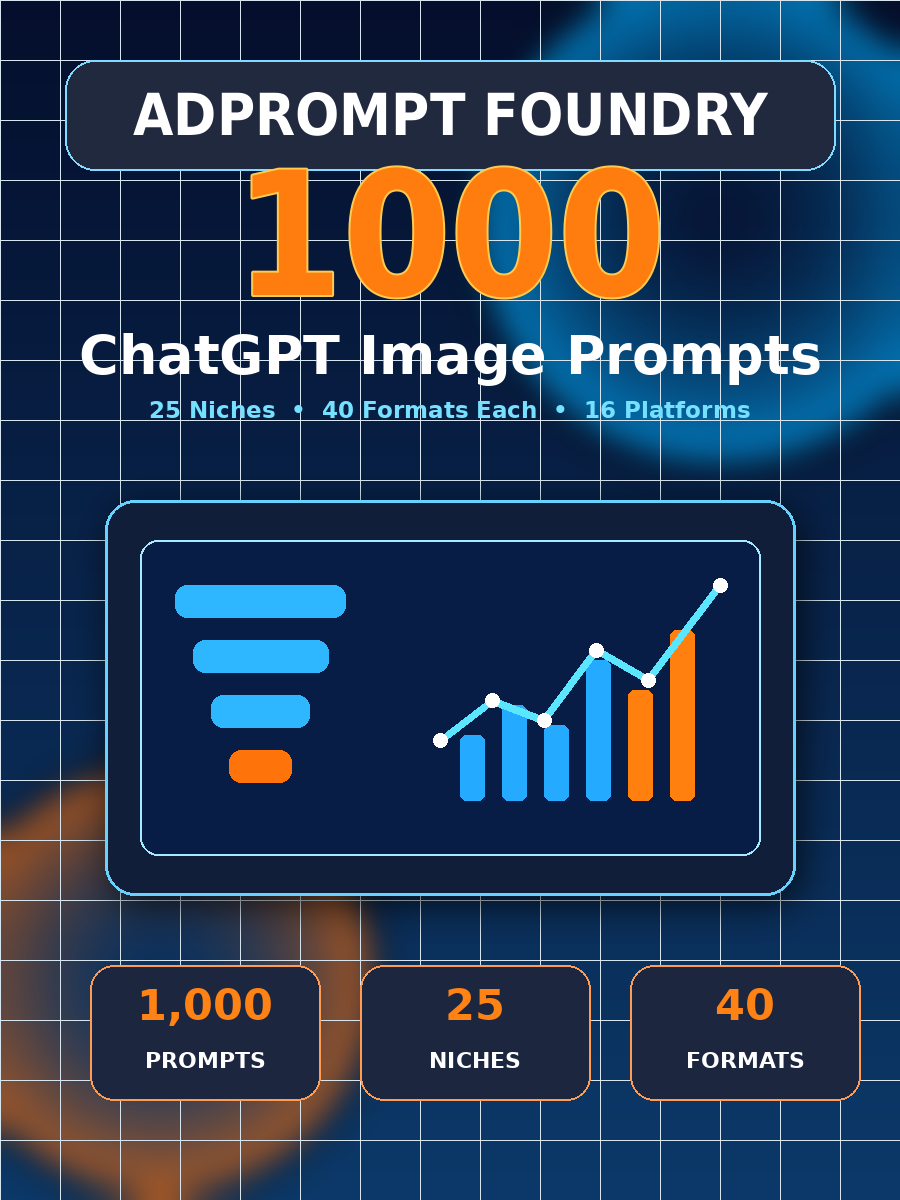
The prompts are complete enough to use immediately, but they are not rigid templates. Every major campaign component can be replaced while the useful structural guidance remains.
This flexibility means the collection does not become obsolete after one campaign. The value is in the structure: the prompt reminds you which decisions need to be made and how those decisions should be communicated to the image model.
Nothing inside AdPrompt Foundry is presented as impossible knowledge. It is prepared work that you do not have to repeat.
You could research current advertising dimensions and document the aspect ratio of each placement. You could study where interface elements appear, how much text remains readable in compact formats, and which content belongs in the central safe area of a channel banner or vertical cover.
You could define 25 commercial audiences, select useful palettes, identify niche-appropriate objects, write five visual-style directions for every market, and add responsible constraints for health, finance, fitness, legal services, sustainability, family, and other sensitive categories.
You could create 1,000 campaign angles, headlines, supporting lines, CTA labels, composition notes, exact dimensions, hierarchy instructions, and lists of unwanted elements. You could then organize the material into a filterable workbook and test it across different platforms.
The question is not whether you are capable of doing that. The question is whether creating and organizing 1,000 detailed briefs is the best use of your time when the completed foundation is available at an accessible one-time price.
At $17, the prompt cost is approximately 1.7 cents each. Even if only a fraction of the collection matches your immediate campaigns, the workbook can still repay its cost by shortening one client ideation session, helping package one launch, or preventing repeated searches for dimensions and creative direction.
AdPrompt Foundry does not replace your responsibility to review a campaign. It gives your judgment something better to review than an empty prompt box.
Each bonus directly supports the workflow after you select a prompt, helping you repair generations, change campaign copy, and create more variations.
 Suggested Value: $17
Receive a finished PDF and TXT kit containing 50 ready-to-paste follow-up commands for correcting spelling, layout, hierarchy, branding, dimensions, unwanted text, compliance issues, and weak image quality.
 Suggested Value: $27
Use a filterable workbook containing four adaptable headline angles for every niche, complete with supporting lines, CTAs, and usage guidance.
 Suggested Value: $17
Add launch, holiday, event, retail, course, webinar, local, and evergreen campaign variations while preserving the original niche and platform direction.
 Suggested Value: $17
Build a repeatable brand layer using your promise, audience, personality, palette, typography direction, visual motifs, exact copy, and exclusions.
 Suggested Value: $27
Turn the library into a practical month of educational posts, demonstrations, product highlights, FAQs, niche examples, launch content, and promotional reminders.
Open the workbook, filter the library, test several niches, and generate your first promotional concepts. If the collection does not provide the organized creative direction described on this page, contact us within 14 days of purchase at admin@adpromptfoundry1000.site
No image-generation system can guarantee that every result will be perfect, and no marketing product can guarantee sales or income. What we guarantee is that you will receive the complete prompt workbook, guides, and bonuses described here.
It is a filterable Excel workbook containing 1,000 detailed prompts created specifically for generating social media advertisements, promotional banners, display creatives, covers, thumbnails, and other campaign graphics with ChatGPT image generation.
The library contains 25 niches and 40 formats for every niche. Each row includes the platform, placement, dimensions, aspect ratio, orientation, visual style, campaign angle, prepared copy, and complete image-generation instruction.
Instagram, Facebook, Pinterest, X, LinkedIn, TikTok, YouTube, Google Display, Snapchat, Threads, Reddit, WhatsApp, Telegram, Discord, Twitch, and email banner formats are represented.
Yes. The prompts were written specifically for ChatGPT image generation. Access to ChatGPT is separate and is not included with this product.
No professional design experience is required. Each prompt already gives direction for the dimensions, layout, palette, visual style, hierarchy, copy, safe zone, and unwanted elements. Basic judgment is still useful when selecting the final result.
No. Image-generation systems may occasionally misspell text, omit a detail, or interpret part of a prompt differently. A stronger brief can reduce common problems but cannot remove natural variation. The Prompt Rescue Kit provides follow-up commands for focused corrections.
Yes. The prepared copy makes each prompt immediately usable, but you are encouraged to replace it with the accurate message for your own product, audience, and campaign.
Yes. Replace the palette, subject, product details, typography direction, visual motifs, or brand personality. The bonus brand guide explains a simple customization process.
Yes. You can use the prompts to create concepts and graphics for client or agency campaigns. You may not give away or resell the original prompt workbook itself.
You may use generated graphics in commercial projects, marketing campaigns, digital products, client work, and affiliate promotions, subject to the applicable AI-platform terms and any third-party rights involved. Review every final image before publication.
No. The source workbook and substantially similar prompt files may not be resold, redistributed, shared, uploaded, sublicensed, or given away.
No. The main product contains prompts and reference guides. ChatGPT produces the generated artwork. You may choose to edit the result in another design tool, but editable templates are not part of this front-end offer.
No. It is a practical creative library that can be used immediately. The included guides explain the workbook, niches, formats, and customization process without requiring you to complete a long training program.
No. The $17 offer is a one-time payment for the prompt library and included resources. Your own access to ChatGPT may have separate terms or costs.
No. They are designed to help create conversion-focused visual concepts, but campaign results depend on the offer, audience, copy, targeting, price, credibility, placement, competition, market conditions, and execution. No income or performance result is guaranteed.
Yes. Replace the offer, adjust the palette, change the CTA, ask for another composition, create a seasonal version, switch from photography to illustration, or adapt the direction to another size.
The core prompt library is delivered as an Excel workbook. Add any PDF, CSV, or online-library formats to this answer only if you create and include them in the final package.
Ask it to preserve the composition while correcting only the exact misspelled line. You can also request a text-free version and add typography separately when pixel-perfect copy is critical.
No. AdPrompt Foundry 1000 is independently created and is not affiliated with, sponsored by, or endorsed by OpenAI or the social platforms mentioned on this page.
Open one library containing 1,000 organized starting points. Find the prompt that solves today’s creative problem—then return whenever the next product, client, platform, niche, or campaign needs a different visual direction.